Kronara for Android
Alpha build · not in the Play Store
The Android app is an early test build. It signs you into the same account and shows the same categories, timesheets and plans as the web app, so nothing you do in it is separate or throwaway. What is unfinished is the app itself: expect rough edges, and keep the web app as your fallback.
It is not distributed through the Play Store or the App Store, so you install it yourself from the link below. There is no iOS build yet.
What you need
- An Android phone.
- A Kronara account — the app has no separate sign-up. Create one.
- About two minutes.
Install it
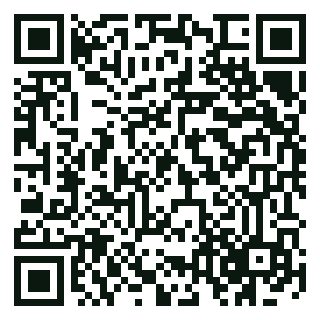
- Scan the QR code with your phone's camera, or open this page on the phone itself and tap the link below.
- The build page opens. Tap "Install" and let the download finish.
- Android asks whether your browser may install apps. Allow it, then go back and open the downloaded file.
- Play Protect warns that the app comes from an unknown developer. Choose "Install anyway". That warning is about how the app reached your phone, not about the app.
- Open Kronara and sign in with your usual email and password.
Worth knowing
- There are no automatic updates. A new version means a new link on this page, so check back here when something looks broken.
- The download itself is hosted by Expo (expo.dev), so Expo sees your IP address while the file is fetched. Kronara does not receive anything from that step.
- Slot alarms need notification permission, which the app asks for the first time you need it. If alarms arrive late, exclude Kronara from Android's battery optimisation.
- Uninstalling removes the app, not your account: your data stays on the server and the web app keeps working. Deleting the account is a separate step, in Settings → Account.
- Found a bug? Use Help & Contact in the web app — that is the fastest way to reach us, and alpha feedback is the point of this build.